Meetings, part 2: how clients book, and running your meetings
What a client sees when they book, sharing your link, the Overview and Scheduled tabs, meeting details, rescheduling and cancelling, and where meetings show up across laavi.
Share a booking link and clients pick a time that fits your calendar. Meetings show up on bookings, on Home and in each person's portal.
Meetings, part 1: set it up · 6:45 · Read the transcript
Each person gets a link on your branded page, and each meeting type can have its own.
Connect your calendar and laavi offers only the times you are free, and holds the slot while the client finishes booking.
The video link is created with the meeting and sent in the confirmation.
Set your weekly hours, add date overrides for the days that differ, and set the scheduling rules clients book within.
Each meeting type carries its own reminders, so fewer people forget.
Round robin, routing forms and team scheduling send each client to the right person.
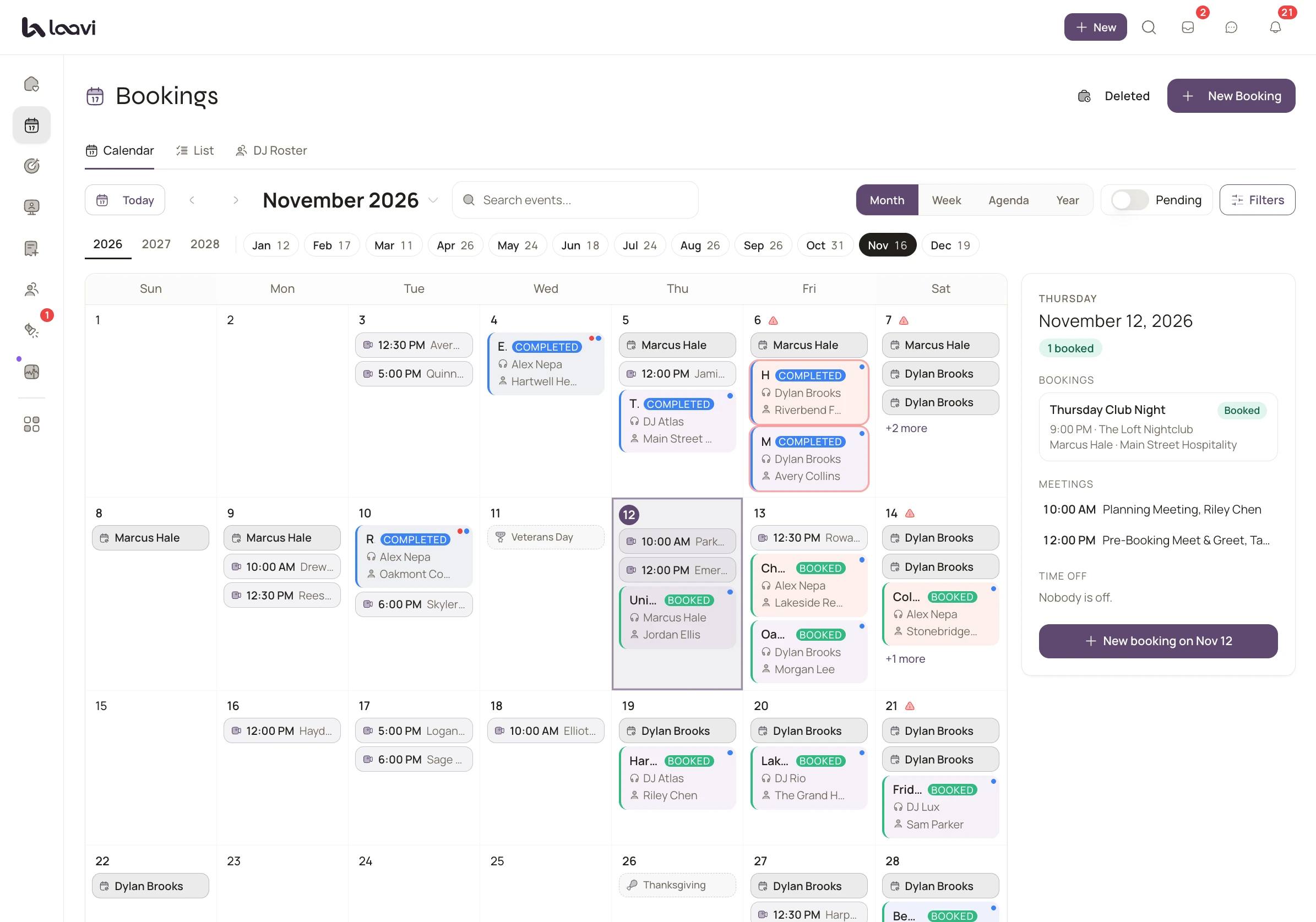
The real product, shown with demo names.
What a client sees when they book, sharing your link, the Overview and Scheduled tabs, meeting details, rescheduling and cancelling, and where meetings show up across laavi.
DJ CRM
One pipeline for every inquiry, with scoring, follow-up and proposals.
Inbox and texting
Every mailbox and text thread in one place, with drafted replies.
Client portal
Music, timeline, documents and payments in one private portal.
8 feature pages in all. See every feature
Cancel anytime. Your plan starts the day you go live.