DJ invoicing softwareSend the invoice.Get paid online.
laavi builds each invoice from the booking, with the package, add-ons and due dates from your payment schedule. Clients pay online from a link, and the payment is recorded for you.
Create an invoice and take a payment · 1:20 · Read the transcript
How getting paid works. In plain words.
Built from the booking.
The package, any add-ons and the due dates come across on their own. Nothing is sent until you send it.
Your payment schedule.
Set your default deposit and final payment timing once in Settings, then apply it to a booking in one click.
A pay page for the client.
The client sees the invoice, the payment schedule and a Make a Payment button. No account or password needed.
Card, bank transfer or Apple Pay.
Online payments are recorded for you with a receipt, and payouts go straight to your bank account.
Checks and cash too.
Record a payment by hand with the amount, date and check number, and email the client a receipt if you want.
See what is owed.
Home shows what you collected this month and every invoice with a balance.
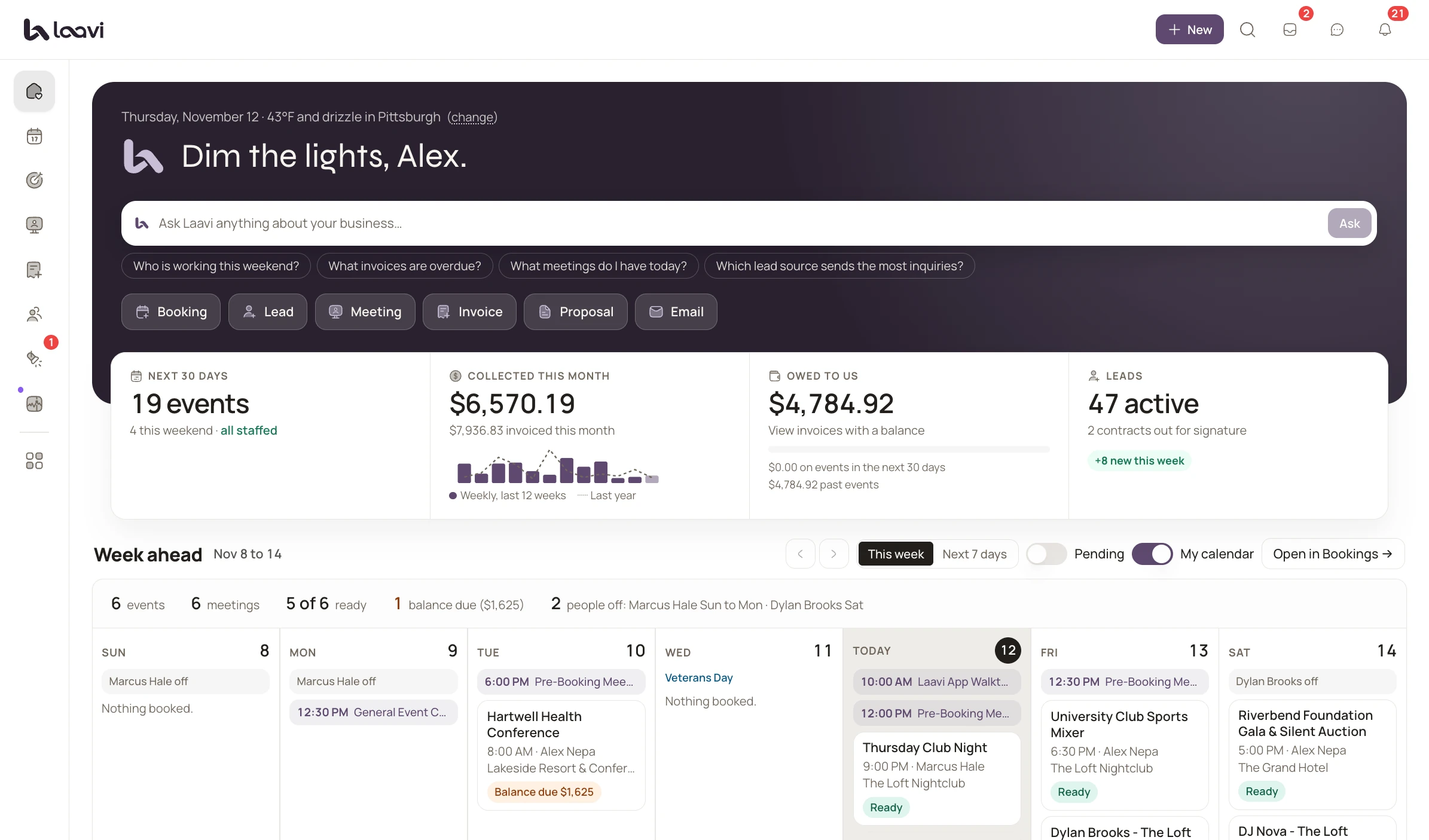
The real product, shown with demo names.
Invoices and payments: common questions.
It all connects. Keep going.
Contracts and e-sign
Templates, e-signatures and reminders, with the booking confirmed on signature.
Client portal
Music, timeline, documents and payments in one private portal.
DJ CRM
One pipeline for every inquiry, with scoring, follow-up and proposals.
8 feature pages in all. See every feature
Watch it once.Then run your company on it.
Cancel anytime. Your plan starts the day you go live.